Theme customization tips for non-technical users

Turning a WordPress theme into a live website can feel overwhelming—especially if you’re not technical. While themes provide design and structure, there are several important steps between installing a theme and launching a fully functional website. This guide walks you through the process in a simple, practical way.
Choose the right WordPress theme
Turning a theme into a live website starts with choosing the right foundation. A WordPress theme should match your website’s purpose, whether it’s for a business, portfolio, or startup. Beyond design, it’s important to ensure the theme is well-maintained, compatible with the latest WordPress version, and flexible enough to support customization without code. A thoughtfully chosen theme reduces setup time, avoids technical limitations, and ensures your website can grow without needing a redesign too soon.
Set up hosting and install WordPress
Before your website can exist online, it needs reliable hosting and a connected domain name. Hosting provides the space where your website lives, while WordPress acts as the system that manages your content and design. Most modern hosting providers offer quick WordPress installation, making this step accessible even for beginners. Once installed, configuring basic settings such as site identity, timezone, and URL structure helps ensure your website works properly and is prepared for search engines and visitors.
Install and activate your theme
After WordPress is installed, the next step is applying your chosen theme. Uploading and activating the theme applies its design structure, layouts, and styling to your website. At this stage, the website may look incomplete or generic, which is completely normal. Activating a theme does not mean your website is finished—it simply sets the visual framework that will be customized and filled with content in later steps.
Import demo content
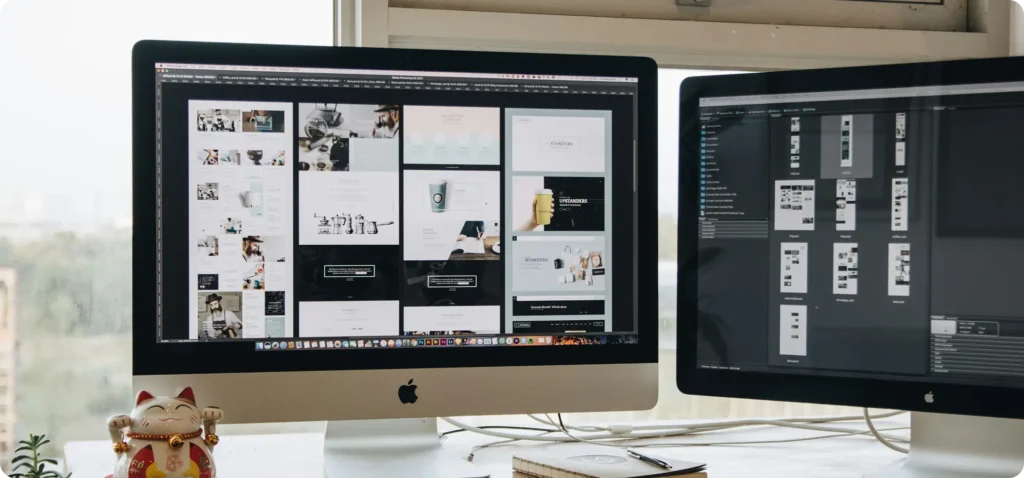
Many premium themes include demo content that showcases how the theme is intended to look and function. Importing this demo content provides pre-built pages, sections, and layouts that mirror the theme’s preview. This step makes it much easier to understand how the theme works and speeds up the setup process. Once the demo is imported, placeholder text and images can be replaced with your own, allowing you to shape the website without starting from scratch.
Customize the theme to match your brand
Customization is where the website begins to feel personal and purposeful. Using the theme settings or WordPress customizer, you can adjust colors, typography, spacing, layouts, and navigation to align with your brand identity. This step ensures the website reflects your business style and communicates clearly to visitors. Proper customization focuses on clarity and consistency rather than over-designing, helping the website remain clean, professional, and easy to maintain.
Install and configure essential plugins
Plugins extend your website’s functionality beyond design. Essential plugins handle critical tasks such as security, performance optimization, backups, and search engine visibility. Installing the right plugins and configuring them properly is crucial, as poorly managed plugins can slow down your website or cause conflicts. A well-configured plugin setup keeps your website stable, secure, and efficient from the moment it goes live.
Add your content
Once the structure and design are ready, your content brings the website to life. This includes adding pages that explain who you are, what you offer, and how visitors can contact you. Text, images, and calls to action should be clear, relevant, and easy to read. This step transforms the theme from a visual template into a meaningful website that serves real users and supports your goals.
Review and test your website
Before launching, reviewing and testing your website is essential to ensure a smooth experience for visitors. This includes checking how the site looks on different devices, testing links and forms, reviewing content for clarity, and ensuring pages load correctly. Careful testing helps catch small issues that could affect usability or credibility once the site is live.
Launch your website
Launching your website involves making it publicly accessible and ready for visitors. This includes connecting your domain, enabling search engine visibility, and confirming that all core features work as expected. After launch, the website enters an ongoing phase where updates, backups, and monitoring become important. A successful launch is not the end of the process, but the beginning of maintaining a reliable and growing online presence.